One click and you're done. Thank you!
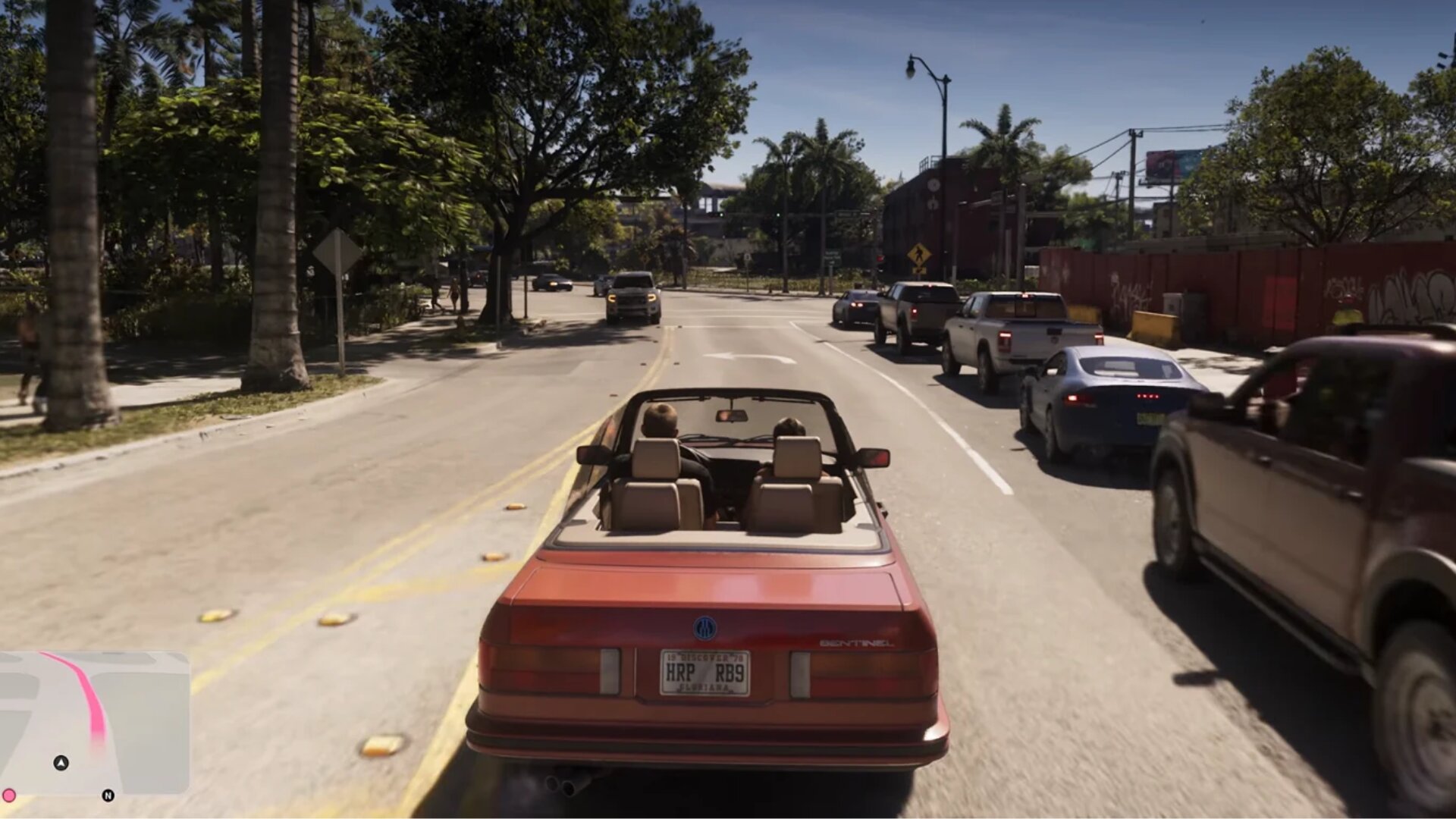
If you are tired of driving manually in GTA 6 and want to sit back and relax but also want to reach a certain destination, there is a way to do that. The game offers an auto drive option to players where either Jason or Lucia will take the wheel and see them to their (or your) preferred destination. It’s easy and fun, let’s see how to enable it.
It’s also one of the most well-hidden features in the game, and one of our biggest tips for the game, so if you’re here, you may not even know how to auto drive in GTA 6. Don’t worry though, that’s what we’re here for, and you’ll know everything you need to by the end of this guide.
Enabling Auto Drive in GTA 6
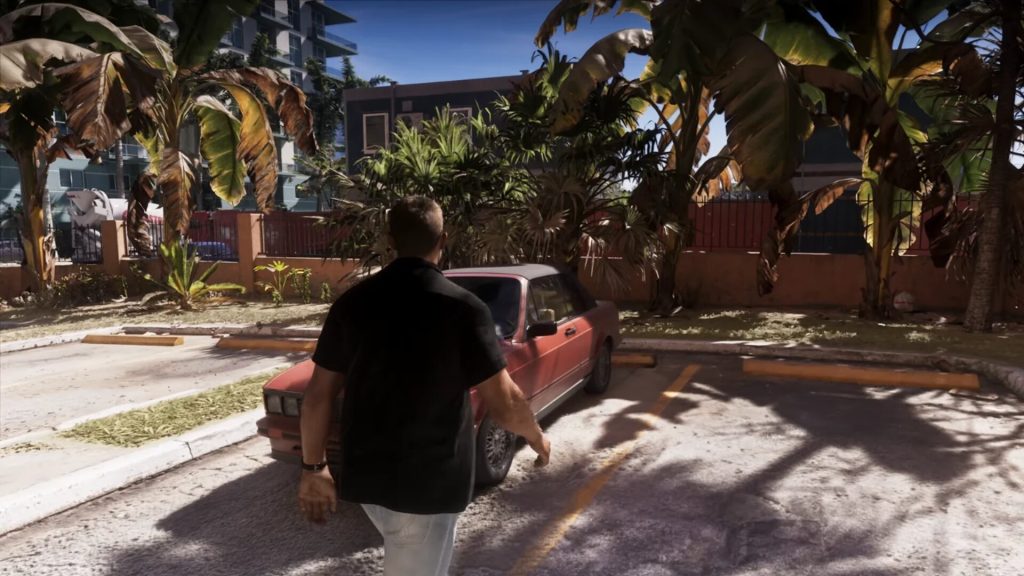
Jason or Lucia needs to be in a vehicle before you proceed to enable auto drive. So enter a vehicle by pressing the triangle button on the PS5 controller. Once the character has occupied it, mark a location on the map, press the Down Arrow button to trigger the camera options, and tap the Menu button to select ‘Cinematic’ mode.
Press and hold the Circle button to see your character drive while you enjoy the views on the screen. It works with boats too if you like to go through waterways. And don’t worry, you still have some level of control over the vehicle.
Partial Control in Auto Drive
While in auto drive, you can control the speed of the vehicle using either the L2 or R2 buttons on your controller. You can either go slow like a turtle, on economy like a common man, or fast as if the engine is on steroids. This partial control also extends to disabling the auto-drive feature too. Just hold the Circle button for that. In case you choose not to drive manually, there are some things to be concerned about.
A Few Things to Know About Auto Driving
As you are not controlling the vehicle on the road or in the water yourself, Jason or Lucia will drive carefully and follow the rules of the road. If traffic light signals stop, they’ll stop. You risk reckless driving otherwise and hit people instead of hitting the road.
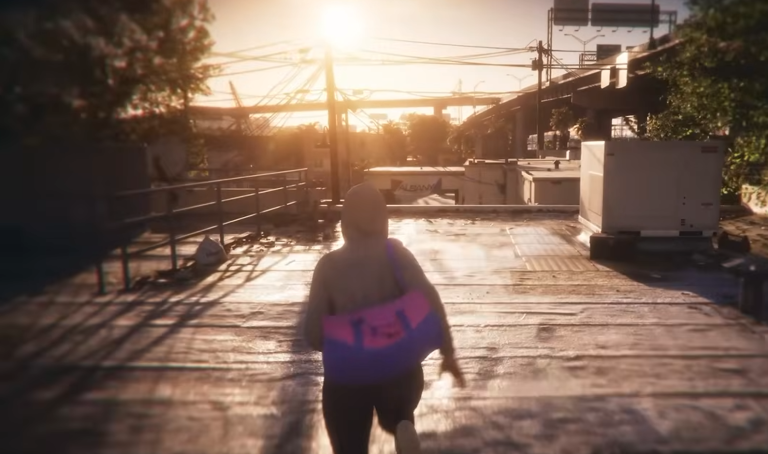
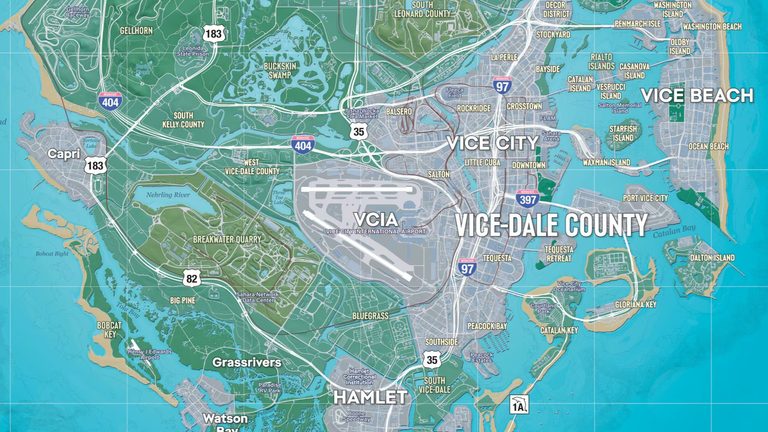
There is certainly no trick you can pull off in auto drive, so it may get less fun for some players. Scenery is always there, though, and given Leonida is the biggest map there is in the Grand Theft Auto games, you will enjoy reaching a long destination with this.
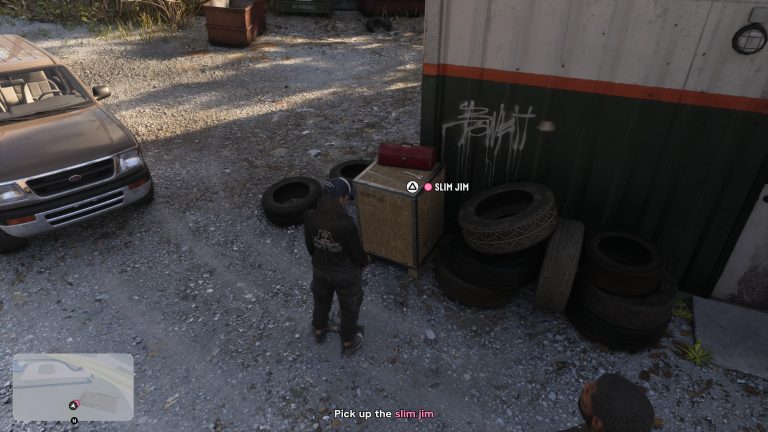
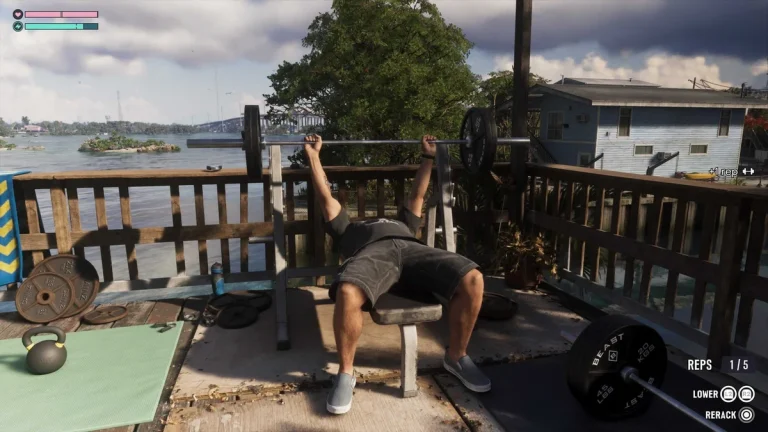

This need not be said out loud, but you’ll be traveling a lot more in vehicles than on foot. So when you get bored of driving around the sites, and don’t want to use the RydeMe service, you now know how to use auto drive in GTA 6, and can make the most of it.
If you like this guide, check out how to fast travel in GTA 6 or check out this guide if you are playing the game for the first time.

Anurag Batham is a Writer at Thumb Wars, zeroed in on video games, but will also throw himself into anything in association with anime and cinema. As with his favorite video games, give him anything with a linear story, be it Call of Duty or Braid, and he will be happy. He thinks of stories as food and wants to feed his readers something nutritious, food for thought.
Other GTA 6 Guides You Will Need
- How to Steal Cars Quietly in GTA 6 (and Get the Slimjim Equipment)
- GTA 6: The Perfect Exercise Routine for Jason or Lucia to Get Them Shredded
- GTA 6: Can You Escape from the Police in the Prologue?
- GTA 6: How to Clear Out Donnie’s Trailer in Chapter 1
- GTA 6: All of The Skunk Ape Effigies Locations, and How to Complete the Kirk Quest in Chapter 1
- How to Fast Travel in GTA 6
- How to Swap Characters in GTA 6
- GTA 6: How to Increase Focus, Stamina and Strength
- 27 GTA 6 Tips and Tricks We Wish We Knew Before Playing
- GTA 6: How to Fix Jason’s Safehouse
- GTA 6: How to Find All the Lost Drug Packages in Chapter 1
- GTA 6 – The First 10 Things Everyone Should Do When Playing for the First Time
- When Does GTA 6 Come Out (And Does the New Zealand Trick Work?)