One click and you're done. Thank you!
So you are looking to explore the haunting world of Remothered: Red Nun’s Legacy, and you have managed to get hurt during your moments of dread and fear. Well, worry not, as we are here to help you discover how to heal in Remothered: Red Nun’s Legacy and how important it is to keep yourself from losing your hard-earned progress.
How to Heal in Remothered: Red Nun’s Legacy
While you are exploring the game world of Remothered: Red Nun’s Legacy, it is entirely guaranteed that you will be harmed and will have to heal yourself up to continue exploring without fear. Whether this damage comes from a scripted piece of damage or the enemies grabbing you and causing damage to you, either way you will need to heal to keep moving through the game with less fear and risk.
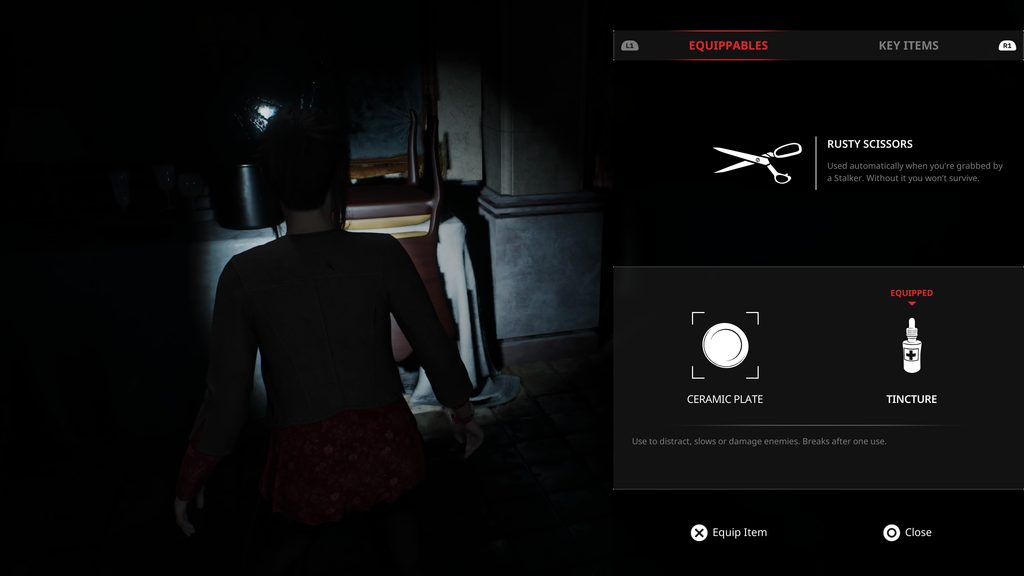
So if you have managed to get hurt during your escapade in the Ashmann Villa, you will first need to find yourself a healing item. These can be quite common and can be found throughout the game, so unless you are trying to literally run your way through the game, you will have some healing options available to you if you can remember where you find them.
Now that you have managed to find a healing item, you will then need to make sure you are safe to heal, as this doesn’t magically freeze time; the enemies will continue to roam the halls looking for you. Because of this, we recommend hiding from the enemy until they have left the room, making one final statement before waiting another minute or two before emerging from your hiding space and healing.
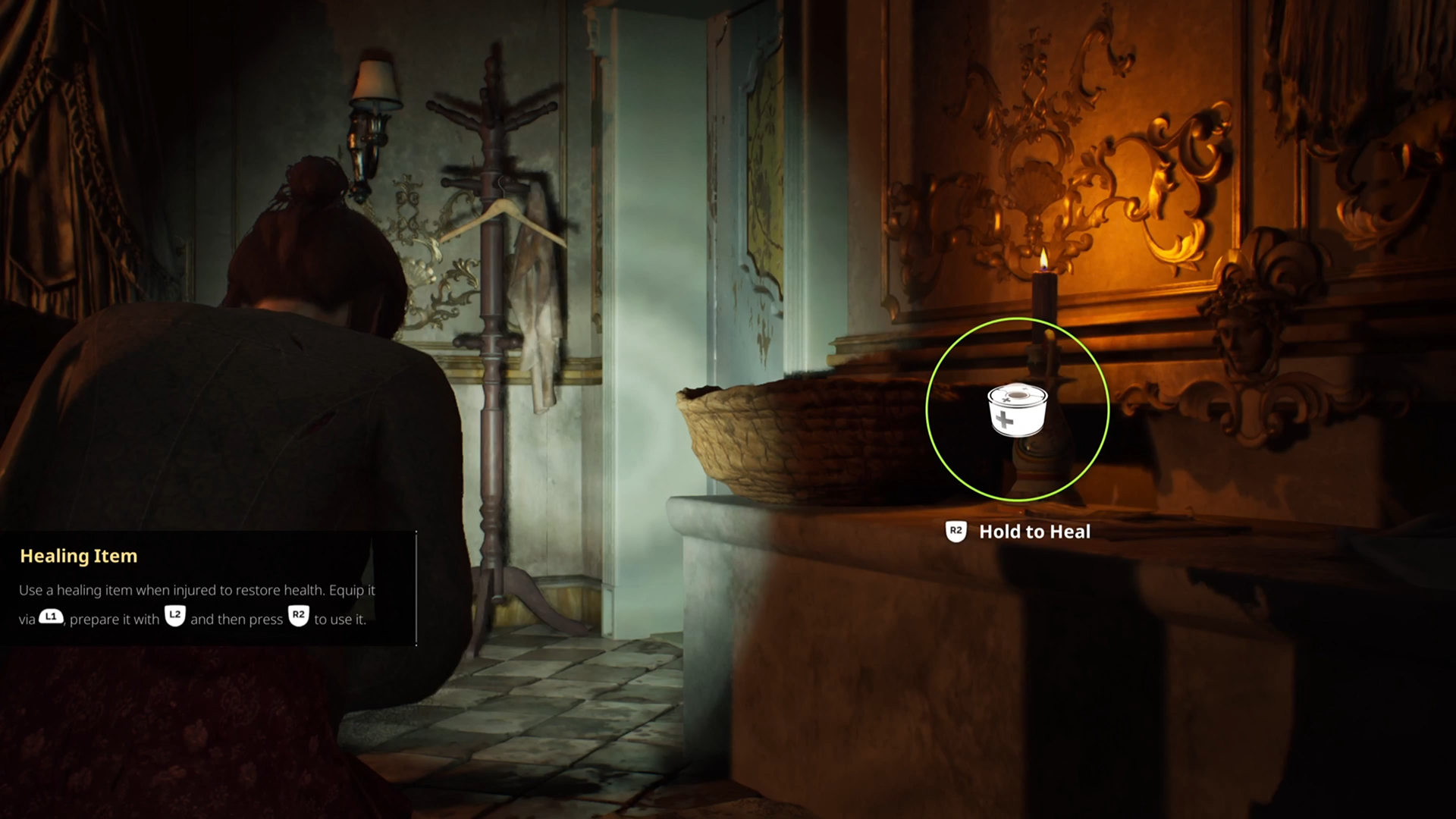
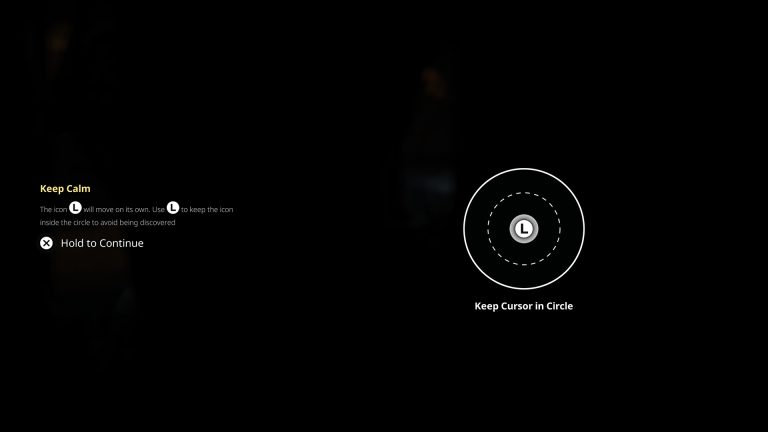
To begin healing, what you need to do is hold your healing item, and for PlayStation 5 players, you will need to press the L2 button to bring up a large circular progress bar on the right of your screen and then hold down R2 to begin the healing process.
Now, depending on the healing item you are using and the amount you are healing, this could take a few seconds or could be rather quick, but overall you won’t notice the difference too much, especially when you are too busy worrying about your safety instead.


After you have healed, you will lose the healing item you were holding, so make sure it is suitable for the injury at hand, and you will now need to find another.
For your next read, why not check out our review of Remothered: Red Nun’s Legacy, or check out our tips and tricks guide for the game.

Liam is a Senior Editor, Writer, and Critic for Thumb Wars and has been working with the team since day one. Liam is a big fan of all things gaming, as you will catch him playing all of the new releases from every genre you can imagine. Whether you find Liam gaming just for fun or spending his free time streaming, you will always find a smile on his face when it comes to all things gaming.
Other Remothered: Red Nun's Legacy Guides You Will Need
- How to Repair the Music Box in Remothered: Red Nun’s Legacy (And Open the Birdcage)
- How to Enter the Villa in Remothered: Red Nun’s Legacy
- How to Use Close Call in Remothered: Red Nun’s Legacy (And Earn the Close Call Trophy)
- How to Use Defence Items in Remothered: Red Nun’s Legacy
- How to Avoid the Novices in Remothered: Red Nun’s Legacy
- 7 Remothered: Red Nun’s Legacy Tips and Tricks We Wish We Knew Before Playing